The content below provides an overview of Pixel_Ninja. Information on how to use this tool,
troubleshooting error messages, and more documentation on the code itself are made available
in the following sections.
Video walk-through
Learn how to embed a book into an image with Pixel_Ninja with a virtual tour.
Step-by-step tutorial
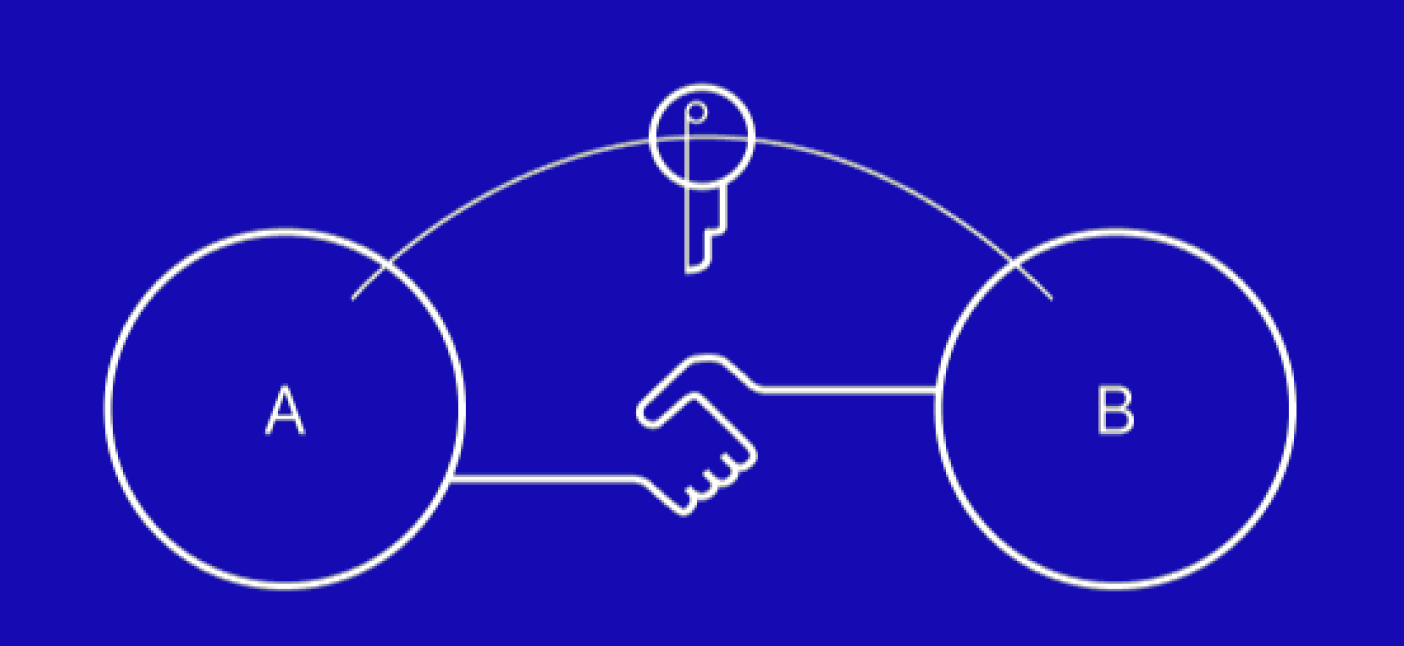
STEP 1: Establish a password Discuss a mutual password with the other party via a secure channel.
We encourage doing this in person to keep the password exchange offline.
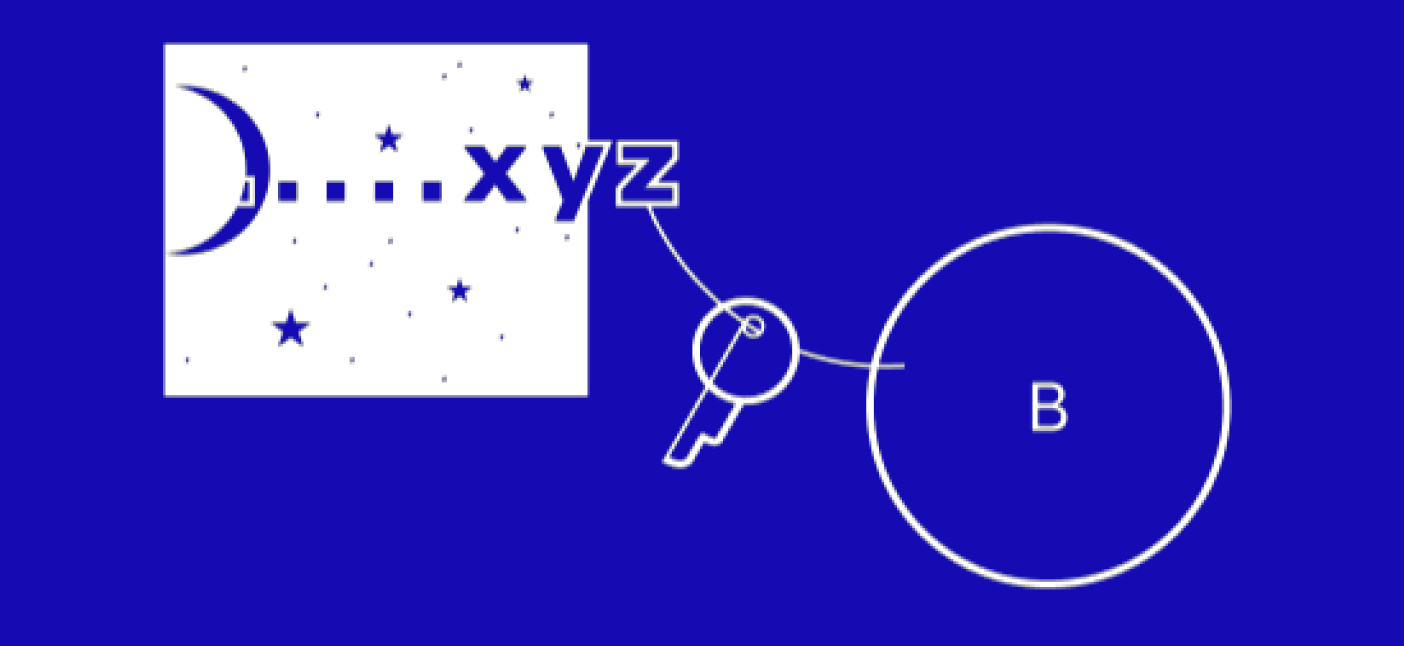
STEP 2: Data-hiding Upload an image in the "Hide" page on Pixel_Ninja. Enter the text you
would like to embed, add a password, and click "Hide message". Alternatively,
you can leave the password empty, and the other party will also leave
the password empty when they extract hidden text from the image in the future.
STEP 3: Send image Send the image via your regular communication channel. Make sure to always
send the iamge at its full size to avoid image compression. (email and chat
services like WhatsApp, WeChat, and Telegram offers compression-free image
transmission, SMS and Facebook Messenger do not.)
STEP 4: Extract text from image The receiver can reveal the hidden text on the "Extract" page of this site.
Simply upload the image, enter the password, and click "Reveal Message".
Troubleshooting
Solutions to different error messages.
INCORRECT FILE TYPEUploaded file is either not an image file, or image format is not supported.
Pixel_Ninja can take PNG, JPEG, HEIC (iPhone's default photo format),
GIF, TIFF, BMP, PDF, and SVG. The final output will be a PNG file.
MESSAGE TOO LONGThis error message means the size of the text is too large for the dimension of the image.
To fix this, use an image with a higher resolution.
INCORRECT PASSWORD, HIDDEN DATA DAMAGED, IMAGE IS EMPTY.Please make sure you have entered the password correctly, note that password is case-sensitive.
If the error persists, the image might have been compressed in the process of transmission.
CODE SIDE ERRORThis error means something isn't working properly on Pixel_Ninja. If you run into this error message,
please report the incident directly to maintenance: hktaz@protonmail.com
Pixel_Ninja
Privacy made easy, hide data in one click.
Steganography is the art and science of hiding things in other things.
Pixel_Ninja hides text data (such as a secret message, a censored
news article, or a banned book) in images without altering the
appearance of the images to the naked eye.
Data-embedding in * ALL * unicode-supported languages.